
Get started
Install Stenograf on Mac or Windows, start the free trial, and make your first recording. It takes a few minutes, most of them spent downloading the speech models once.
1. Install
Download Stenograf from console.soniqo.audio/download. On a Mac, open the disk image and drag Stenograf to Applications. On Windows, run the installer.
You need a Mac with Apple silicon on macOS 15 or later, or a Windows 11 PC. Summaries, chats and translation need 16 GB of memory, and on Windows an NVIDIA graphics card; without one, Windows uses Lightweight transcription, which names speakers later and can be less accurate. The system requirements say what each computer runs.
2. Sign in and start the trial
Open Settings and choose Sign in & start free trial. Signing in does not start the trial: it starts when you press Start free trial, and it does not renew by itself. After the trial, Stenograf is $12 a month.
3. Allow audio on a Mac
Stenograf records two things: what your computer plays, and your microphone. macOS asks for both the first time you record — Microphone, and System Audio Recording for the sound of your calls. If a call records only silence, open System Settings → Privacy & Security → Screen & System Audio Recording and turn Stenograf on.
4. Record
The speech models download once, after your trial starts; Record meeting becomes available when they are ready. On a Mac, if Hugging Face is slow or blocked where you are, choose China mirror (hf-mirror.com) under Settings → Account → Model downloads first. Press Record meeting and start your call, or just start talking. Captions appear as people speak and are replaced by the final text a few seconds later. Your own microphone is always labelled Me.
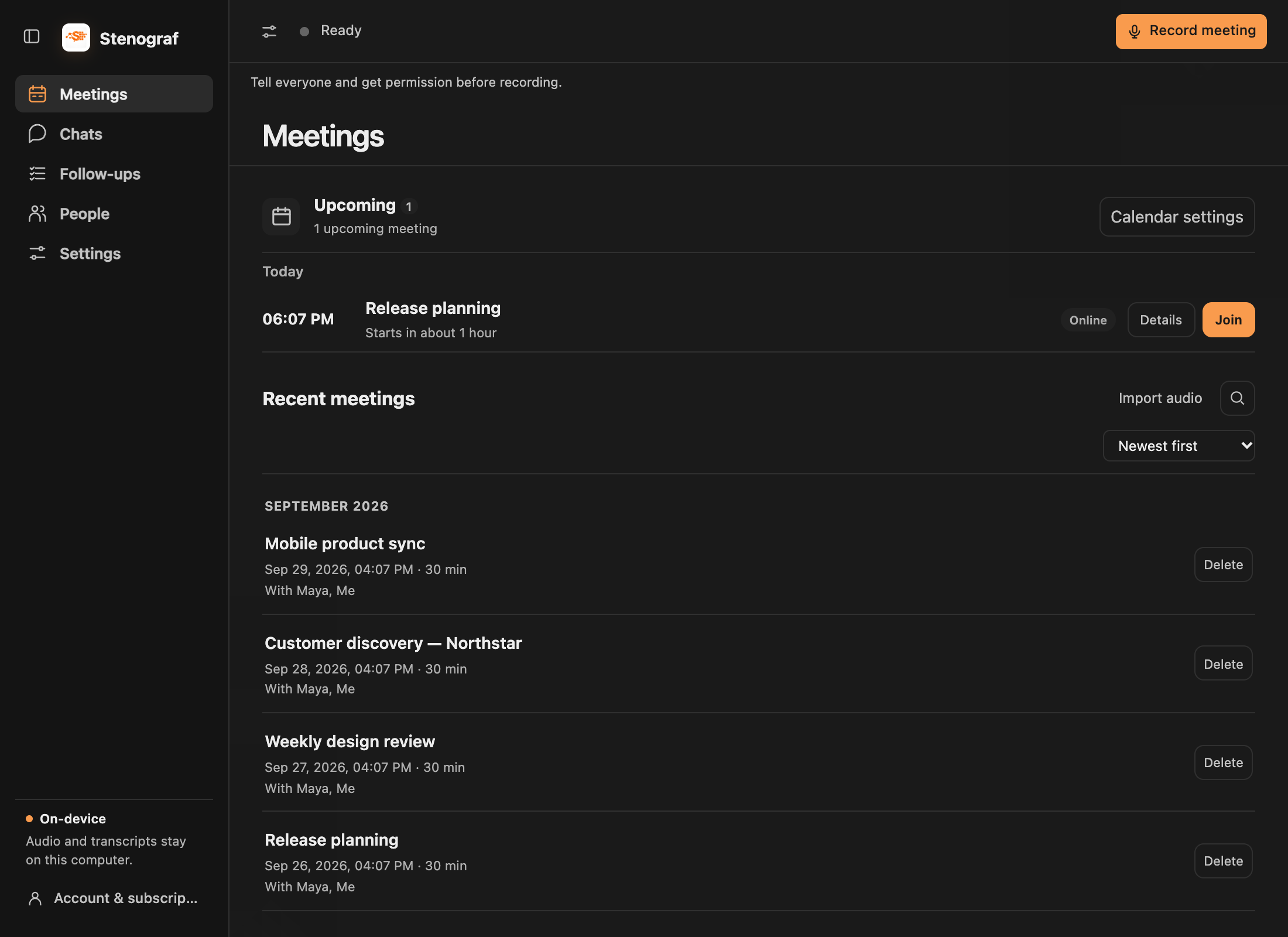
Press Stop when you are done. The recording is saved in Meetings. From the recording view, its Summary opens so you can review and continue in chat. A summary appears once the local language model is set up (see Chats).
5. Optional next steps
- Connect a calendar in Settings → Calendars — Google Calendar, Outlook Calendar or, on a Mac, the Calendar app — for meeting reminders with one-click Join & Listen. Listen never waits for it, so a calendar kept elsewhere costs you nothing. See Calendars.
- Open at login is on by default, so Stenograf is already running when a meeting starts.
Releases on GitHub
Signed Mac installers and their release notes are available from Stenograf releases on GitHub. Check the platform and known limitations before installing. The release includes a checksum for the downloaded file.